

Your graphics add a nice touch to my presentations and I recently used them for one of my all-hands meetings. Your toolbox adds professionalism to my slides. Instead of using standard clipart.
Claude Jones, Director of Engineer, @Walmartlabs, USA

Your graphics add a nice touch to my presentations and I recently used them for one of my all-hands meetings. Your toolbox adds professionalism to my slides. Instead of using standard clipart.
Claude Jones, Director of Engineer, @Walmartlabs, USA
I needed a fresh look at some of my slides. I've tried to find a way to create a paintbrush effect, to underline, accentuate, add some color and the handwritten markers were just the things. Very easy to use, easy to size, change the color. It was an affordable, perfect solution and I'm happy to recommend it.
Anonymous, US
The crisp, clean look of the graphics, and the fact that it allowed me to easily edit and change the colors to match the template was my main reason for purchasing them.
Brandie Jenkins, E-learning Developer, USA
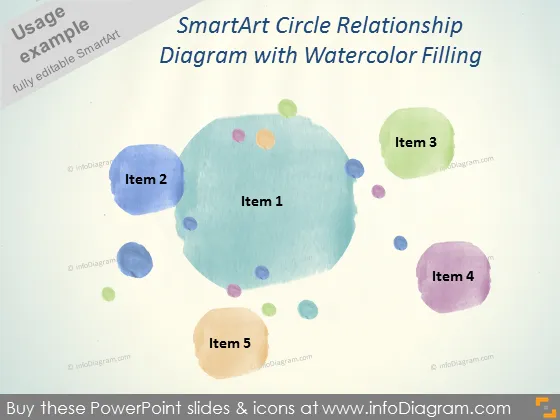
Die Folie präsentiert ein SmartArt-Kreisbeziehungsdiagramm, das ein zentrales Konzept (Punkt 1) zeigt, das von vier zusätzlichen Elementen oder Komponenten (Punkte 2 bis 5) umgeben ist. Jedes Element scheint einen Teil eines Ganzen zu symbolisieren und könnte Phasen, Prozesse oder miteinander verbundene Ideen in einer nicht-linearen Beziehung darstellen, wobei das zentrale Element vielleicht das Kernkonzept oder der Hauptfokus ist.
Der Gesamtlook der Folie ist künstlerisch und entspannt aufgrund des Aquarellstils, was sie ästhetisch ansprechend und fesselnd macht. Die Verwendung von Farben und Anordnung bietet eine informelle, aber organisierte Struktur zur Informationsvermittlung.



