

Your graphics add a nice touch to my presentations and I recently used them for one of my all-hands meetings. Your toolbox adds professionalism to my slides. Instead of using standard clipart.
Claude Jones, Director of Engineer, @Walmartlabs, USA

Your graphics add a nice touch to my presentations and I recently used them for one of my all-hands meetings. Your toolbox adds professionalism to my slides. Instead of using standard clipart.
Claude Jones, Director of Engineer, @Walmartlabs, USA
I needed a fresh look at some of my slides. I've tried to find a way to create a paintbrush effect, to underline, accentuate, add some color and the handwritten markers were just the things. Very easy to use, easy to size, change the color. It was an affordable, perfect solution and I'm happy to recommend it.
Anonymous, US
The crisp, clean look of the graphics, and the fact that it allowed me to easily edit and change the colors to match the template was my main reason for purchasing them.
Brandie Jenkins, E-learning Developer, USA
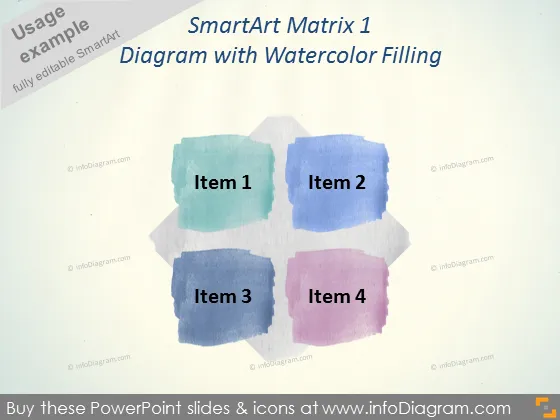
Die Folie zeigt ein "SmartArt Matrix 1 Diagramm mit Aquarellfüllung." Es handelt sich um eine grafische Darstellung, die ein Matrixlayout verwendet, um vier verschiedene Elemente zu kategorisieren oder zu organisieren. Jedes der Elemente, benannt von "Element 1" bis "Element 4," ist in einem eigenen bunten Aquarellfarbfleck platziert, was einen sanften und kreativen Ansatz zur Darstellung von Informationen nahelegt. Die Verwendung einer Matrix impliziert Beziehungen oder einen Rahmen zum Vergleichen oder Gegenüberstellen der Elemente in einem zweidimensionalen Layout.
Die Folie hat ein modernes, künstlerisches Erscheinungsbild, das strukturierte Informationspräsentation mit einer visuell ansprechenden, fast künstlerischen Ästhetik kombiniert. Die Farbpalette ist harmonisch und die Anordnung leicht nachvollziehbar.



