

Your graphics add a nice touch to my presentations and I recently used them for one of my all-hands meetings. Your toolbox adds professionalism to my slides. Instead of using standard clipart.
Claude Jones, Director of Engineer, @Walmartlabs, USA

Your graphics add a nice touch to my presentations and I recently used them for one of my all-hands meetings. Your toolbox adds professionalism to my slides. Instead of using standard clipart.
Claude Jones, Director of Engineer, @Walmartlabs, USA
I needed a fresh look at some of my slides. I've tried to find a way to create a paintbrush effect, to underline, accentuate, add some color and the handwritten markers were just the things. Very easy to use, easy to size, change the color. It was an affordable, perfect solution and I'm happy to recommend it.
Anonymous, US
The crisp, clean look of the graphics, and the fact that it allowed me to easily edit and change the colors to match the template was my main reason for purchasing them.
Brandie Jenkins, E-learning Developer, USA
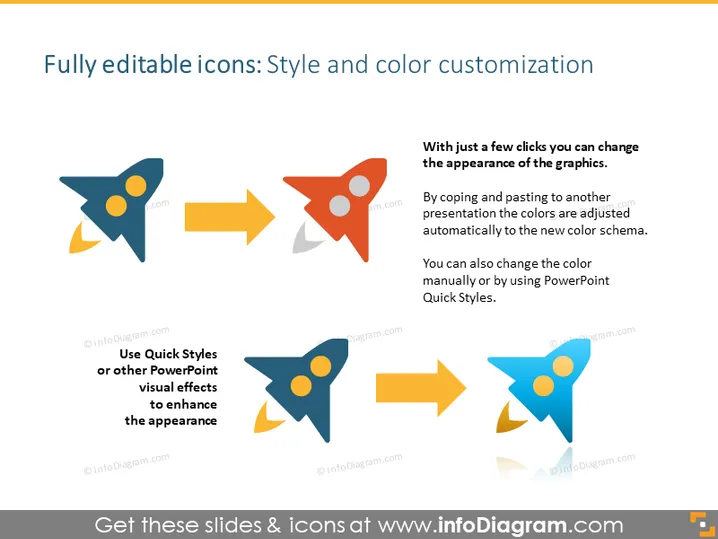
Die Folie handelt von der Anpassung von Icons hinsichtlich Stil und Farbe in PowerPoint-Präsentationen. Sie schlägt vor, dass Icons mit nur wenigen Klicks bearbeitet werden können, und beim Kopieren und Einfügen zwischen Präsentationen passen sich die Farben dem neuen Farbschema an. Darüber hinaus sind manuelle Farbänderungen oder die Verwendung von PowerPoint-Quick-Styles zur weiteren Anpassung möglich. Diese Funktionen ermöglichen es den Benutzern, die visuelle Wirkung ihrer Präsentationen problemlos zu verbessern.
Die Folie hat ein professionelles und modernes Design mit Fokus auf Einfachheit und Klarheit. Die Verwendung von Icons und Pfeilen kommuniziert effektiv den Prozess der Stil- und Farbanpassung in PowerPoint.



