
Your graphics add a nice touch to my presentations and I recently used them for one of my all-hands meetings. Your toolbox adds professionalism to my slides. Instead of using standard clipart.
Claude Jones, Director of Engineer, @Walmartlabs, USA
Your graphics add a nice touch to my presentations and I recently used them for one of my all-hands meetings. Your toolbox adds professionalism to my slides. Instead of using standard clipart.
Claude Jones, Director of Engineer, @Walmartlabs, USA
I needed a fresh look at some of my slides. I've tried to find a way to create a paintbrush effect, to underline, accentuate, add some color and the handwritten markers were just the things. Very easy to use, easy to size, change the color. It was an affordable, perfect solution and I'm happy to recommend it.
Anonymous, US
The crisp, clean look of the graphics, and the fact that it allowed me to easily edit and change the colors to match the template was my main reason for purchasing them.
Brandie Jenkins, E-learning Developer, USA
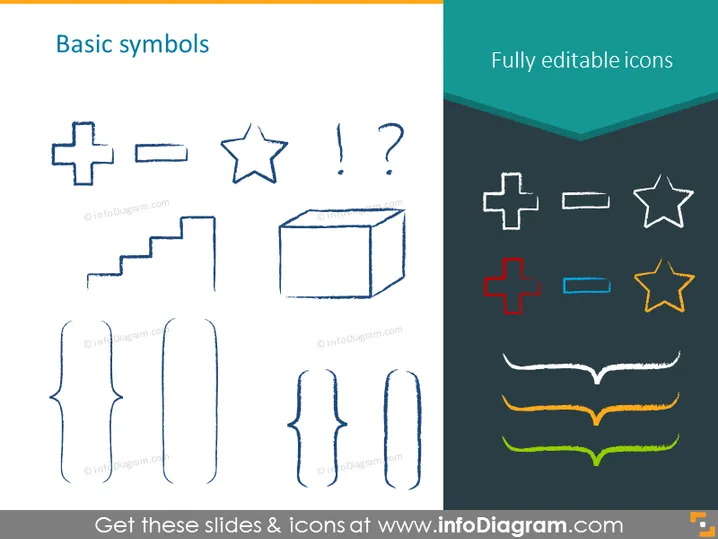
Die PowerPoint-Folie mit dem Titel "Grundsymbole" vergleicht zwei Sets von Symbolen. Auf der linken Seite befinden sich handgezeichnete Darstellungen grundlegender Symbole wie ein Pluszeichen, ein Minuszeichen, ein Stern, Ausrufe- und Fragezeichen, Treppen und ein Würfel. Jedes dieser Symbole vermittelt typischerweise einfache Konzepte: Addition, Subtraktion, Bedeutung, Fragen oder Ausrufe, Fortschritt oder Wachstum sowie multidimensionale Analyse oder Struktur. Auf der rechten Seite, beschriftet mit "Vollständig bearbeitbare Symbole", sind digitale, sauberere Versionen der Symbole in lebhaften Farben dargestellt, was Vielseitigkeit und Anpassungsoptionen suggeriert.
Der Gesamteindruck der Folie ist professionell, aber kreativ und zeigt einen klaren Kontrast zwischen handgezeichneten und digitalen Symbolentwürfen. Die Wahl der Farben und das Layout machen den Inhalt auf den ersten Blick leicht verständlich.




