
Your graphics add a nice touch to my presentations and I recently used them for one of my all-hands meetings. Your toolbox adds professionalism to my slides. Instead of using standard clipart.
Claude Jones, Director of Engineer, @Walmartlabs, USA
Your graphics add a nice touch to my presentations and I recently used them for one of my all-hands meetings. Your toolbox adds professionalism to my slides. Instead of using standard clipart.
Claude Jones, Director of Engineer, @Walmartlabs, USA
I needed a fresh look at some of my slides. I've tried to find a way to create a paintbrush effect, to underline, accentuate, add some color and the handwritten markers were just the things. Very easy to use, easy to size, change the color. It was an affordable, perfect solution and I'm happy to recommend it.
Anonymous, US
The crisp, clean look of the graphics, and the fact that it allowed me to easily edit and change the colors to match the template was my main reason for purchasing them.
Brandie Jenkins, E-learning Developer, USA
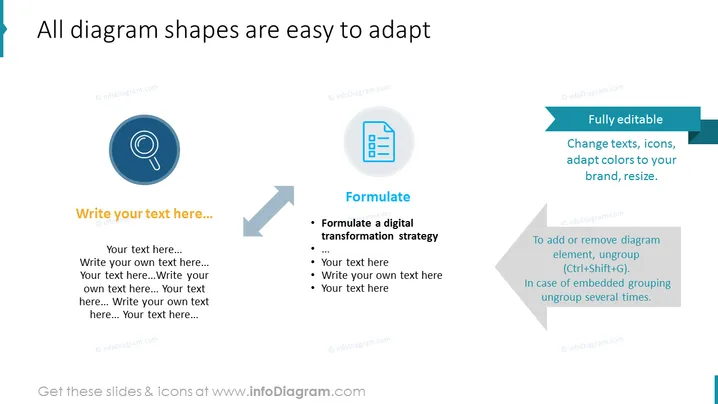
Die Folie erscheint als Vorlage, die zeigt, wie Diagrammformen innerhalb einer Präsentation leicht angepasst werden können. Sie betont die Flexibilität der Folienelemente und weist darauf hin, dass sie "Vollständig bearbeitbar" sind, mit Vorschlägen, "Texte zu ändern, Icons anzupassen, Farben an Ihre Marke anzupassen, die Größe zu ändern." Die Folie bietet Platzhalter mit der Aufschrift "Schreiben Sie Ihren Text hier..." und enthält ein Beispiel, wie man "eine digitale Transformationsstrategie formuliert," was praktische Anwendungen für die Anpassung dieser Diagrammformen im Geschäftskontext vorschlägt.
Das visuelle Design der Folie ist modern und minimalistisch und bietet klare visuelle Hinweise auf Abfolge und Anpassbarkeit durch seine Richtungspfeile und Ikonographie. Die Farbpalette ist auf Türkis, Blau und Grau beschränkt und behält ein professionelles Erscheinungsbild.




