

Your graphics add a nice touch to my presentations and I recently used them for one of my all-hands meetings. Your toolbox adds professionalism to my slides. Instead of using standard clipart.
Claude Jones, Director of Engineer, @Walmartlabs, USA

Your graphics add a nice touch to my presentations and I recently used them for one of my all-hands meetings. Your toolbox adds professionalism to my slides. Instead of using standard clipart.
Claude Jones, Director of Engineer, @Walmartlabs, USA
I needed a fresh look at some of my slides. I've tried to find a way to create a paintbrush effect, to underline, accentuate, add some color and the handwritten markers were just the things. Very easy to use, easy to size, change the color. It was an affordable, perfect solution and I'm happy to recommend it.
Anonymous, US
The crisp, clean look of the graphics, and the fact that it allowed me to easily edit and change the colors to match the template was my main reason for purchasing them.
Brandie Jenkins, E-learning Developer, USA
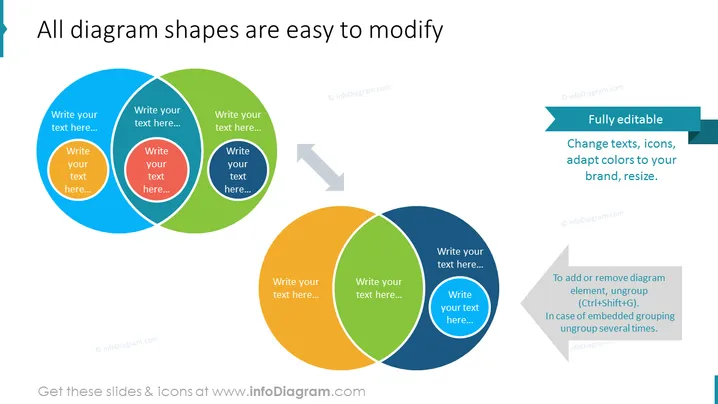
Die Folie präsentiert die Einfachheit der Anpassung von Diagrammformen und zeigt, dass sie "Vollständig bearbeitbar" sind und an verschiedene Aspekte wie Text, Icons, Farbschemata und Größe angepasst werden können. Die Folie scheint die Funktionen eines Diagramm-Tools oder einer Software zu vermitteln und betont den benutzerfreundlichen Aspekt, bei dem die Diagrammelemente mit einfachen Steuerbefehlen bearbeitet, gruppiert oder ungroupiert werden können. Sie richtet sich an Benutzer, die häufige Anpassungen von Diagrammen in Präsentationen oder Dokumentationen benötigen.
Die Folie verwendet einen sauberen weißen Hintergrund mit bunten Diagrammen und klaren Textfeldern, die die Bearbeitbarkeit der Diagrammelemente betonen. Das Layout ist einfach und fokussiert, mit visuellen Hinweisen, die den Betrachter anleiten, wie man die Formen manipuliert.



