
Your graphics add a nice touch to my presentations and I recently used them for one of my all-hands meetings. Your toolbox adds professionalism to my slides. Instead of using standard clipart.
Claude Jones, Director of Engineer, @Walmartlabs, USA
Your graphics add a nice touch to my presentations and I recently used them for one of my all-hands meetings. Your toolbox adds professionalism to my slides. Instead of using standard clipart.
Claude Jones, Director of Engineer, @Walmartlabs, USA
I needed a fresh look at some of my slides. I've tried to find a way to create a paintbrush effect, to underline, accentuate, add some color and the handwritten markers were just the things. Very easy to use, easy to size, change the color. It was an affordable, perfect solution and I'm happy to recommend it.
Anonymous, US
The crisp, clean look of the graphics, and the fact that it allowed me to easily edit and change the colors to match the template was my main reason for purchasing them.
Brandie Jenkins, E-learning Developer, USA
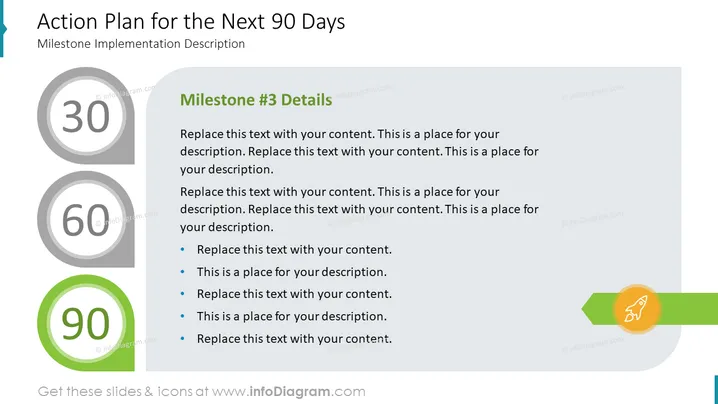
Die PowerPoint-Folie trägt den Titel "Aktionsplan für die nächsten 90 Tage" mit einem Untertitel "Beschreibung der Meilensteinimplementierung." Sie legt einen strukturierten Ansatz für die Umsetzung eines 90-tägigen Aktionsplans fest, wobei drei wichtige Meilensteine an den Tagen 30, 60 und 90 angegeben sind. Jeder Meilenstein soll vom Präsentierenden mit Details ausgefüllt werden, um das Publikum durch die spezifischen Ziele oder Aufgaben zu führen, die in jeder Phase erreicht werden sollen. Unter "Details zu Meilenstein #3" werden Aufzählungspunkte bereitgestellt, um die Aufgaben oder Maßnahmen zu beschreiben, die erforderlich sind, um den letzten Meilenstein zu erreichen.




