

Your graphics add a nice touch to my presentations and I recently used them for one of my all-hands meetings. Your toolbox adds professionalism to my slides. Instead of using standard clipart.
Claude Jones, Director of Engineer, @Walmartlabs, USA

Your graphics add a nice touch to my presentations and I recently used them for one of my all-hands meetings. Your toolbox adds professionalism to my slides. Instead of using standard clipart.
Claude Jones, Director of Engineer, @Walmartlabs, USA
I needed a fresh look at some of my slides. I've tried to find a way to create a paintbrush effect, to underline, accentuate, add some color and the handwritten markers were just the things. Very easy to use, easy to size, change the color. It was an affordable, perfect solution and I'm happy to recommend it.
Anonymous, US
The crisp, clean look of the graphics, and the fact that it allowed me to easily edit and change the colors to match the template was my main reason for purchasing them.
Brandie Jenkins, E-learning Developer, USA
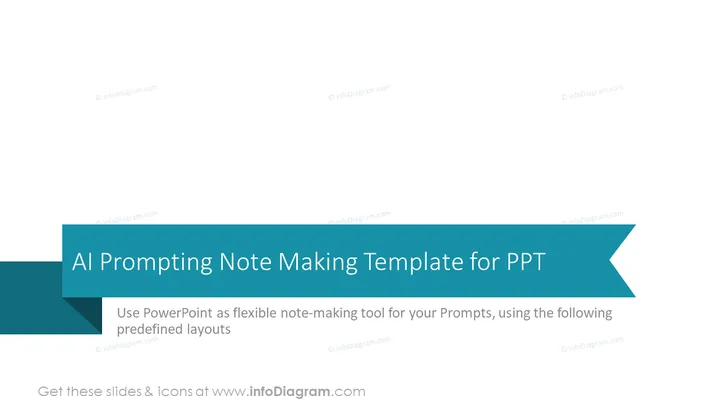
Die Folie präsentiert ein Konzept zur Nutzung von PowerPoint als flexibles Werkzeug zur Erstellung von Notizen, das speziell für AI-Prompts entwickelt wurde. Es wird vorgeschlagen, vordefinierte Layouts zu verwenden, um Prompts zu organisieren und zu dokumentieren, die man möglicherweise mit AI-Tools nutzt. Die vordefinierten Layouts bieten eine strukturierte Möglichkeit, wichtige Informationen festzuhalten und die Konsistenz über verschiedene AI-Prompts hinweg sicherzustellen.
Die Folie verfügt über ein modernes und professionelles Design, das kontrastreiche Tealfarbtöne und saubere Typografie verwendet, um die Informationen klar zu vermitteln. Der Einsatz von Raum und Farbverlauf schafft eine visuell ansprechende Hierarchie, die die Aufmerksamkeit des Betrachters vom Titel zum ergänzenden Text lenkt.



