
Your graphics add a nice touch to my presentations and I recently used them for one of my all-hands meetings. Your toolbox adds professionalism to my slides. Instead of using standard clipart.
Claude Jones, Director of Engineer, @Walmartlabs, USA
Your graphics add a nice touch to my presentations and I recently used them for one of my all-hands meetings. Your toolbox adds professionalism to my slides. Instead of using standard clipart.
Claude Jones, Director of Engineer, @Walmartlabs, USA
I needed a fresh look at some of my slides. I've tried to find a way to create a paintbrush effect, to underline, accentuate, add some color and the handwritten markers were just the things. Very easy to use, easy to size, change the color. It was an affordable, perfect solution and I'm happy to recommend it.
Anonymous, US
The crisp, clean look of the graphics, and the fact that it allowed me to easily edit and change the colors to match the template was my main reason for purchasing them.
Brandie Jenkins, E-learning Developer, USA
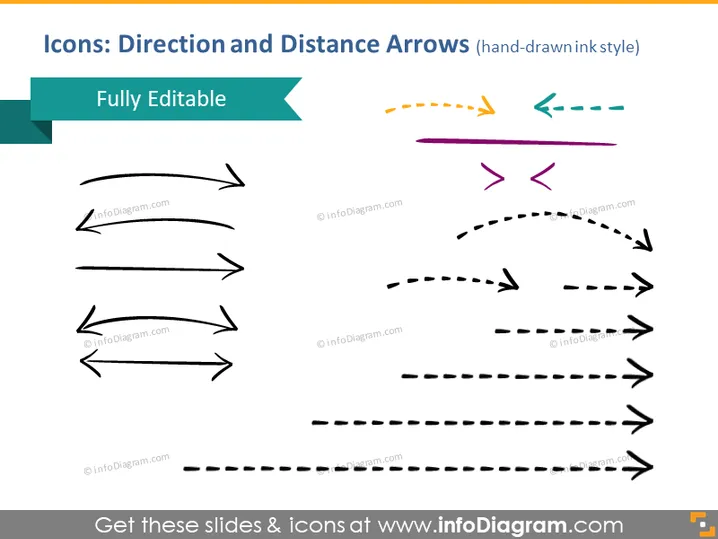
Die PowerPoint-Folie konzentriert sich auf eine Reihe von handgezeichneten Symbolen, die verschiedene Richtungs- und Distanzpfeile darstellen. Sie sind so gestaltet, dass sie vollständig bearbeitbar sind, was den Benutzern die Möglichkeit gibt, sie für ihre Präsentationen anzupassen. Die Symbole sind im Tintenstil gezeichnet, was einen Hauch von Informalität oder Kreativität im Vergleich zu traditionelleren Pfeilgrafiken hinzufügt. Die Pfeile kommen in verschiedenen Stilen und Kurven, die verschiedene Arten von Bewegung oder Richtung anzeigen, wie gerade, gewölbt, gestrichelt und bidirektional.
Die Folie hat ein modernes und künstlerisches Gefühl aufgrund des handgezeichneten Stils der Pfeile, und die Verwendung von sowohl hellen als auch gedämpften Farben bietet einen Kontrast, der die Folie visuell ansprechend macht.




