
Your graphics add a nice touch to my presentations and I recently used them for one of my all-hands meetings. Your toolbox adds professionalism to my slides. Instead of using standard clipart.
Claude Jones, Director of Engineer, @Walmartlabs, USA
Your graphics add a nice touch to my presentations and I recently used them for one of my all-hands meetings. Your toolbox adds professionalism to my slides. Instead of using standard clipart.
Claude Jones, Director of Engineer, @Walmartlabs, USA
I needed a fresh look at some of my slides. I've tried to find a way to create a paintbrush effect, to underline, accentuate, add some color and the handwritten markers were just the things. Very easy to use, easy to size, change the color. It was an affordable, perfect solution and I'm happy to recommend it.
Anonymous, US
The crisp, clean look of the graphics, and the fact that it allowed me to easily edit and change the colors to match the template was my main reason for purchasing them.
Brandie Jenkins, E-learning Developer, USA
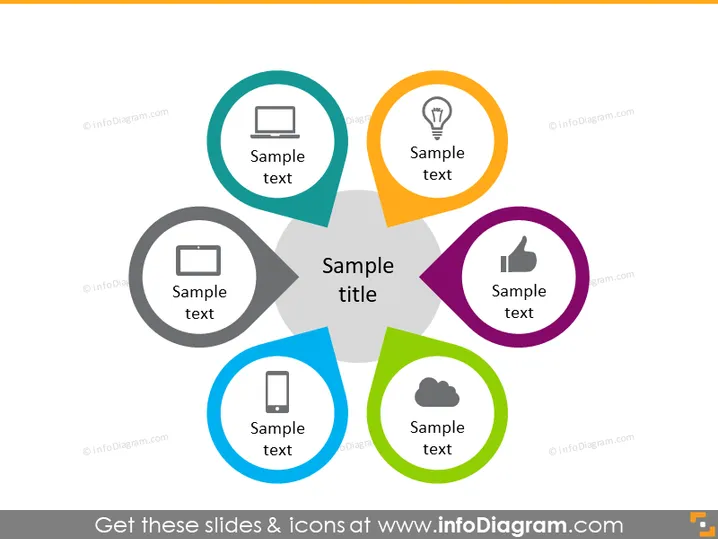
Diese Folie scheint so gestaltet zu sein, dass sie ein zentrales Konzept oder eine Überschrift, "Beispielüberschrift," darstellt, umgeben von sechs verwandten Elementen oder Kategorien. Jede Kategorie wird durch einen farbigen Kreis dargestellt, der ein Symbol und einen Platzhaltertext "Beispieltext" enthält, der vermutlich die Beziehung des Symbols zum zentralen Konzept erklärt. Die Symbole deuten auf Themen wie Technologie, Ideen, Erfolg, mobile Technik, Cloud-Computing und mehr hin. Ein solches Layout kann verwendet werden, um Komponenten, Funktionen oder Aspekte eines zentralen Themas auf visuell ansprechende Weise zu veranschaulichen.




