
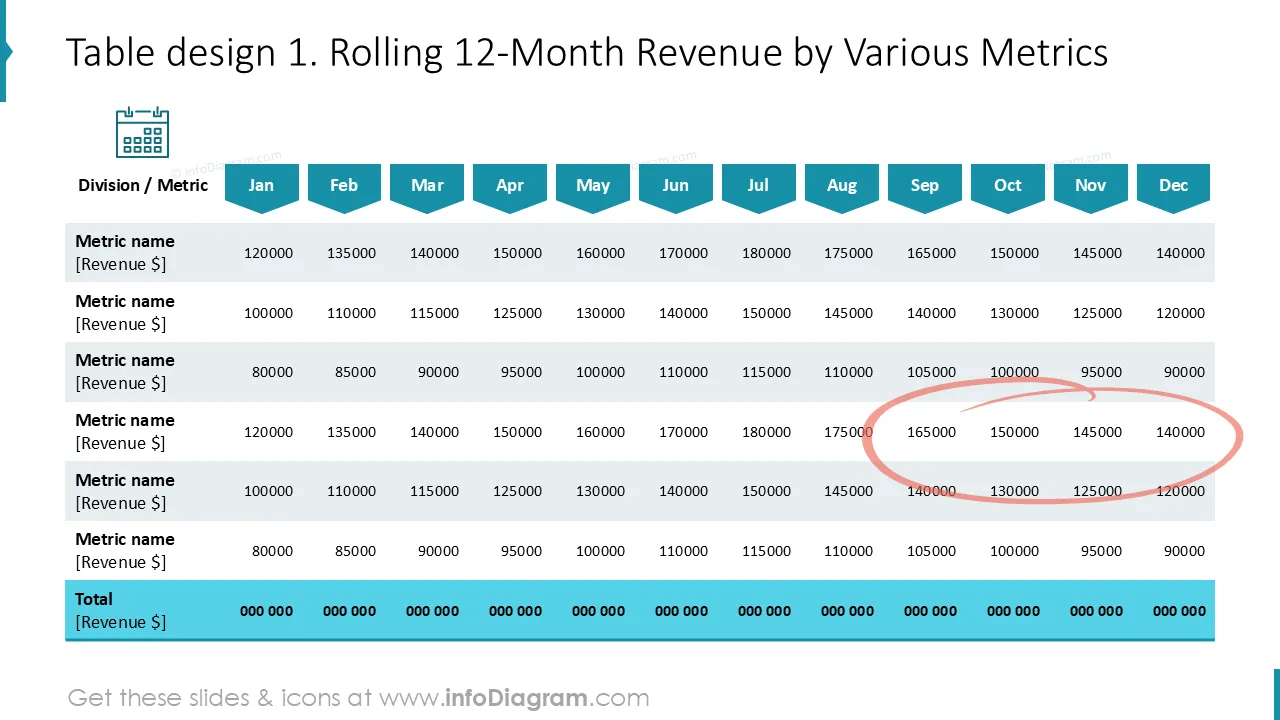
Cover and narrative setup

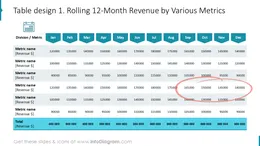
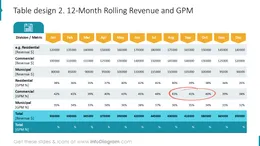
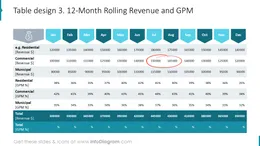
Deck preview
This template does not have a dedicated before/after case study, so we show the strongest slides from the actual deck instead.
Cover and narrative setup
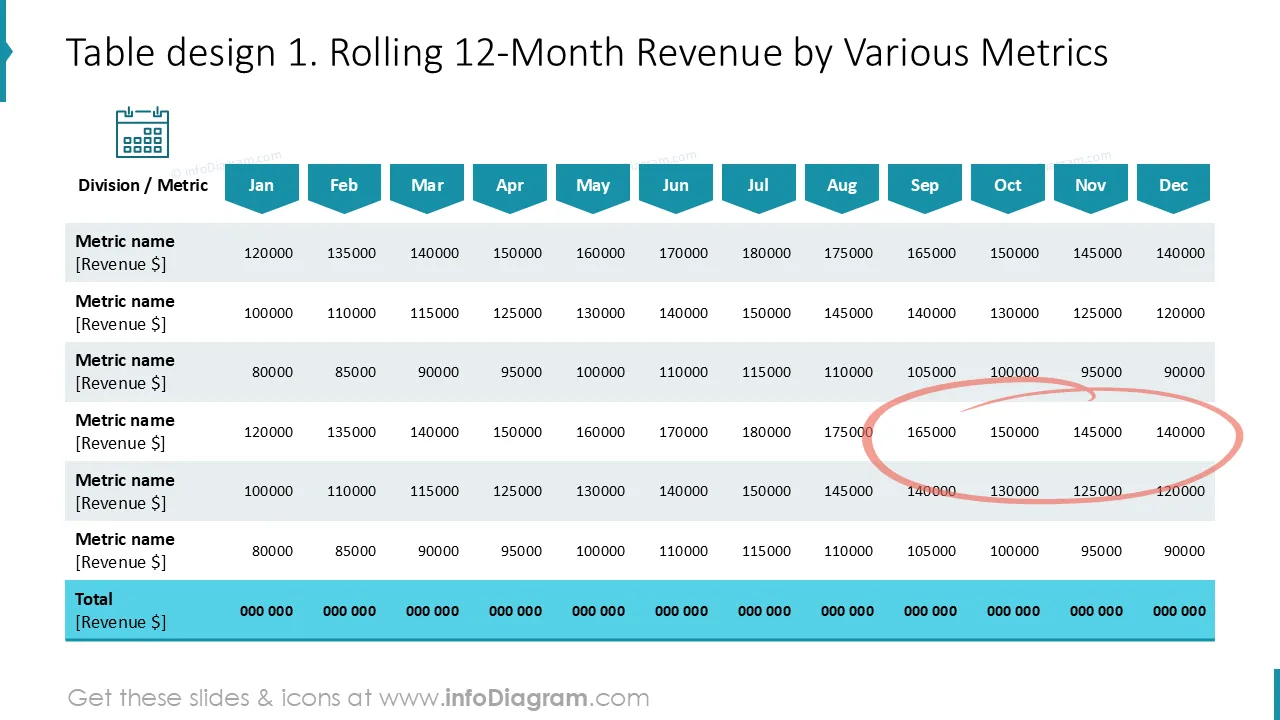
Core structure and talking points
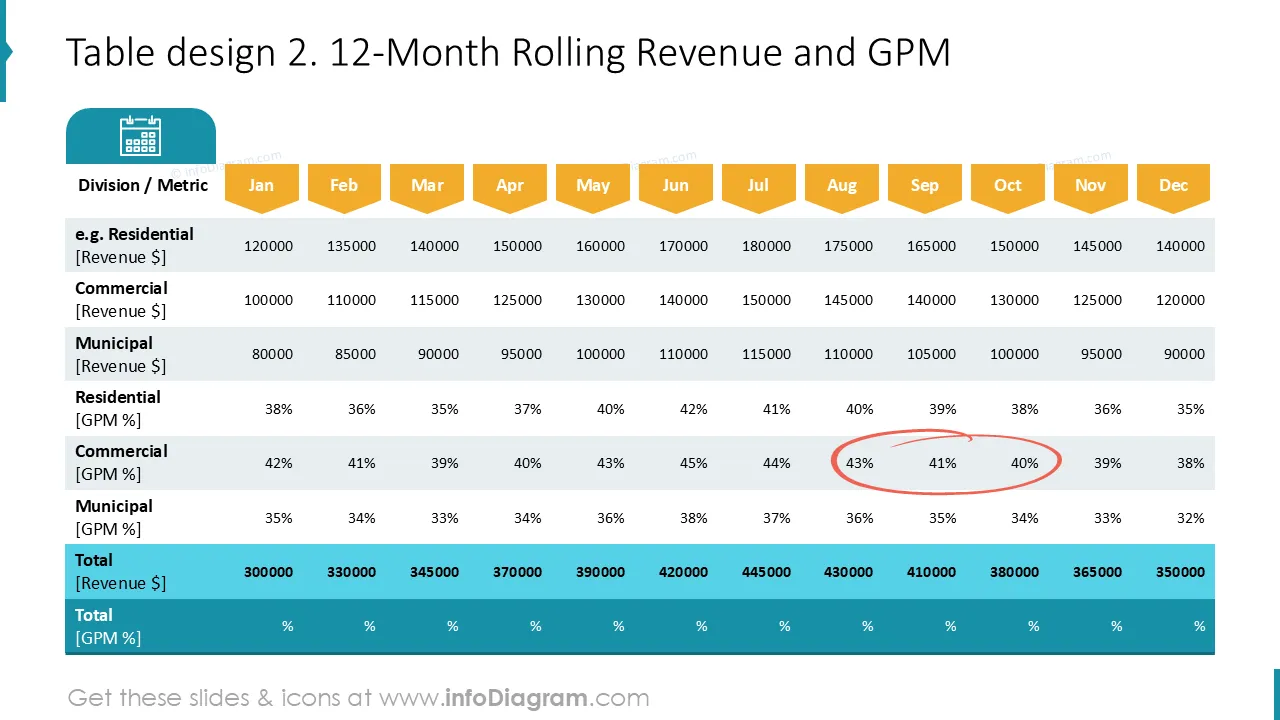
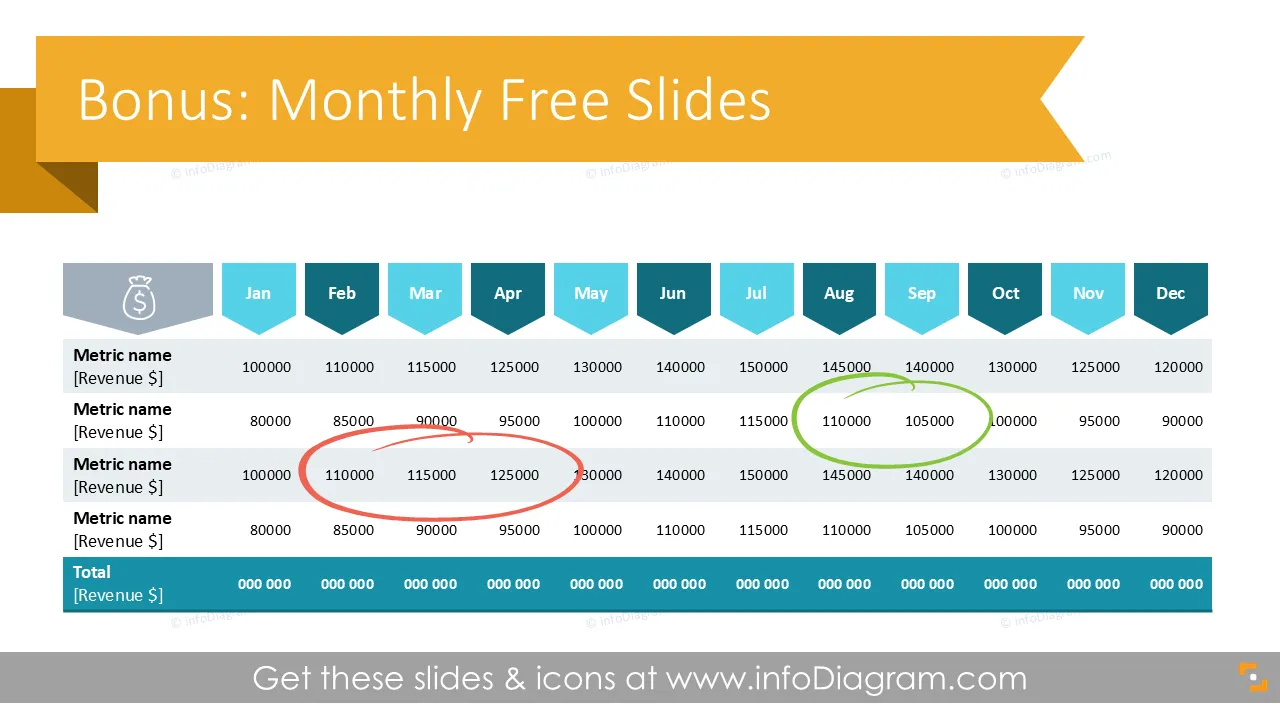
Polished visual slide from the deck
Hallo! Wir hoffen, dass unsere Bonus-Folien Ihnen helfen werden, klare und kreative Wege zu finden, um komplexe Daten zu teilen. Die Geschichte grafisch zu erzählen hat viele Vorteile, und wir möchten Sie dabei unterstützen: Folie für Folie :)
Sie können diese Folien ganz einfach nach Ihren Bedürfnissen anpassen: Farben, Icons und Hintergründe können mit Standardwerkzeugen geändert werden.
Falls Sie Feedback und/oder Fragen haben oder einfach nur Hallo sagen möchten, kontaktieren Sie uns: hier

Sus gráficos añaden un toque agradable a mis presentaciones y recientemente los usé para una de mis reuniones generales. Su conjunto de herramientas añade profesionalismo a mis diapositivas. En lugar de usar imágenes prediseñadas estándar.
Claude Jones, Director of Engineer, @Walmartlabs, USA
Necesitaba un aspecto fresco para algunas de mis diapositivas. Había intentado encontrar una forma de crear un efecto de pincel, de subrayar, acentuar, añadir algo de color y los marcadores escritos a mano fueron justo lo que necesitaba. Muy fácil de usar, fácil de ajustar el tamaño, cambiar el color. Fue una solución asequible y perfecta, y estoy feliz de recomendarla.
Anonymous, US
El aspecto nítido y limpio de los gráficos, y el hecho de que me permitiera editar y cambiar fácilmente los colores para que coincidieran con la plantilla fue mi principal razón para comprarlos.
Brandie Jenkins, Desarrollador de e-learning, USA



Das könnten Sie auch brauchen