
Your graphics add a nice touch to my presentations and I recently used them for one of my all-hands meetings. Your toolbox adds professionalism to my slides. Instead of using standard clipart.
Claude Jones, Director of Engineer, @Walmartlabs, USA
Your graphics add a nice touch to my presentations and I recently used them for one of my all-hands meetings. Your toolbox adds professionalism to my slides. Instead of using standard clipart.
Claude Jones, Director of Engineer, @Walmartlabs, USA
I needed a fresh look at some of my slides. I've tried to find a way to create a paintbrush effect, to underline, accentuate, add some color and the handwritten markers were just the things. Very easy to use, easy to size, change the color. It was an affordable, perfect solution and I'm happy to recommend it.
Anonymous, US
The crisp, clean look of the graphics, and the fact that it allowed me to easily edit and change the colors to match the template was my main reason for purchasing them.
Brandie Jenkins, E-learning Developer, USA
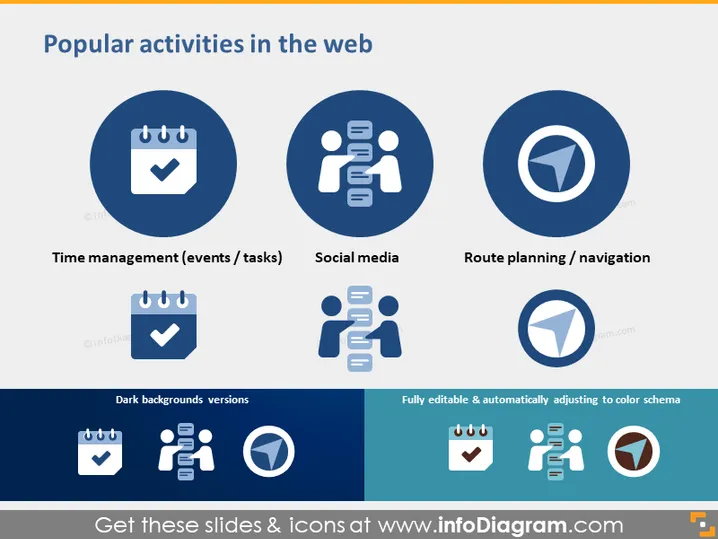
The PowerPoint slide titled "Popular activities in the web" highlights three key online activities: Time management (events/tasks), which likely pertains to scheduling and organization tools; Social media, referring to platforms for interaction and sharing among users; and Route planning/navigation, which are services used for travel directions and map functionalities. Each concept is visually represented by a relevant icon and has both a normal and dark background version, suggesting versatility in presentation design.
The slide is visually balanced with a clear distinction between the icons for the web activities and their dark mode counterparts. The choice of colors and simple iconography provides a professional and modern aesthetic.




