
Reviews
Your graphics add a nice touch to my presentations and I recently used them for one of my all-hands meetings. Your toolbox adds professionalism to my slides. Instead of using standard clipart.
I needed a fresh look at some of my slides. I've tried to find a way to create a paintbrush effect, to underline, accentuate, add some color and the handwritten markers were just the things. Very easy to use, easy to size, change the color. It was an affordable, perfect solution and I'm happy to recommend it.
The crisp, clean look of the graphics, and the fact that it allowed me to easily edit and change the colors to match the template was my main reason for purchasing them.
Description
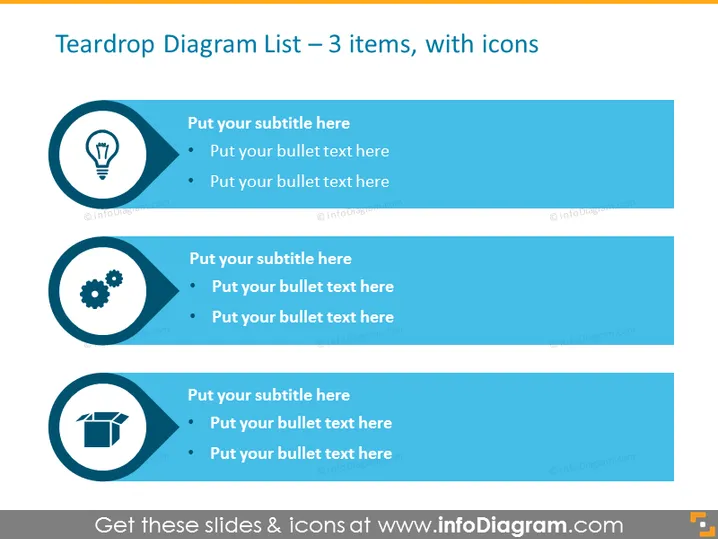
Teardrop Diagram List – 3 items, with icons
Slide Content
The slide presents a teardrop diagram with three items, each accompanied by an icon to represent different concepts. These items are placeholders for information, encouraging the presenter to provide a subtitle and bulleted text for each concept. The icons are a lightbulb, suggesting an idea or innovation; a gear, which might signify processes or mechanics; and an open box, which could imply unpacking a concept, delivery, or revealing information.
Graphical Look
- A light blue background with three dark blue teardrop-shaped bullet points aligned vertically.
- Each teardrop shape contains a white icon and is connected to a rectangle with rounded corners for text.
- The icons within the teardrops are a lightbulb, a gear, and an open box.
- The rectangles have a subtitle placeholder and bullet points in a lighter shade of blue.
- Both the teardrop shapes and the rectangles cast a subtle shadow, adding depth.
The slide's design is clean and modern, with a color scheme that's easy on the eyes. The use of shadows and teardrop shapes provides a dynamic and appealing visual hierarchy.
Use Cases
- Presenting a business strategy that involves innovation, process, and implementation stages.
- Explaining three different service offerings or product features in a marketing presentation.
- Organizing information in a training session for better comprehension and retention.
- Displaying a step-by-step approach to problem-solving in a project management or consulting scenario.
How to Edit
How to edit text & colors

How to expand / shorten diagram

How to Replace Icons in infoDiagram PPT


