

Your graphics add a nice touch to my presentations and I recently used them for one of my all-hands meetings. Your toolbox adds professionalism to my slides. Instead of using standard clipart.
Claude Jones, Director of Engineer, @Walmartlabs, USA

Your graphics add a nice touch to my presentations and I recently used them for one of my all-hands meetings. Your toolbox adds professionalism to my slides. Instead of using standard clipart.
Claude Jones, Director of Engineer, @Walmartlabs, USA
I needed a fresh look at some of my slides. I've tried to find a way to create a paintbrush effect, to underline, accentuate, add some color and the handwritten markers were just the things. Very easy to use, easy to size, change the color. It was an affordable, perfect solution and I'm happy to recommend it.
Anonymous, US
The crisp, clean look of the graphics, and the fact that it allowed me to easily edit and change the colors to match the template was my main reason for purchasing them.
Brandie Jenkins, E-learning Developer, USA
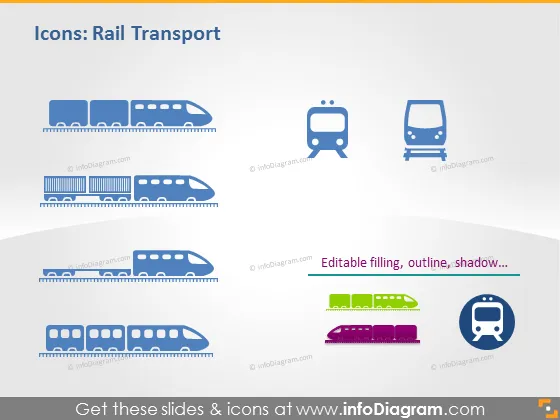
The PowerPoint slide titled "Icons: Rail Transport" presents a selection of stylized graphic icons related to rail transport. It shows a variety of trains, including high-speed trains, city rail, and a subway train icon. The high-speed train represents modern, rapid transit, typically used for long-distance travel. The city rail icon likely denotes urban commuter trains, while the subway train icon is indicative of underground urban transport systems. The slide also mentions that the icons come with editable features like filling, outline, and shadow, suggesting customization capabilities for presentation needs.
The slide has a clean, professional appearance, with a focus on the visual representation of the rail transport icons. The use of space and color maximizes clarity and visual appeal, making the slide easy to read and visually engaging.



