


infoDiagram
>
Creative Styles
>
Hand Drawn Styles
>
Handwritten Markers for Highlighting (PPT icons)


- Reviews
- Usage example
- Description
- How To Edit
Slides
Reviews
Usage example
Description
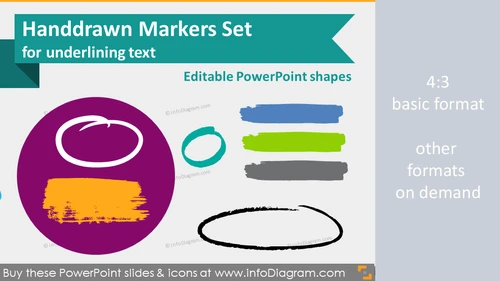
Fully editable graphical elements for PowerPoint - handmade marker shapes
- for highlighting text, underlining words, enhancing paragraphs
- 56 shapes: marker stripes, marker circles, frame marks, lines, marker shapes, paint brush stripes
- 3 different styles: charcoal, paintbrush, ink
- hand drawn and fully editable style - size and color in PowerPoint (vector format)
Handwritten marker shapes for enhancing PowerPoint presentations
- to underline words
- to highlight text blocks
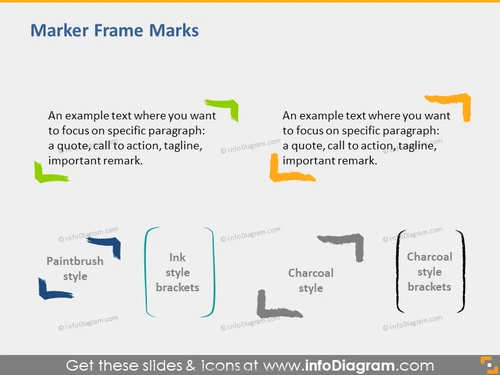
- to mark text frames
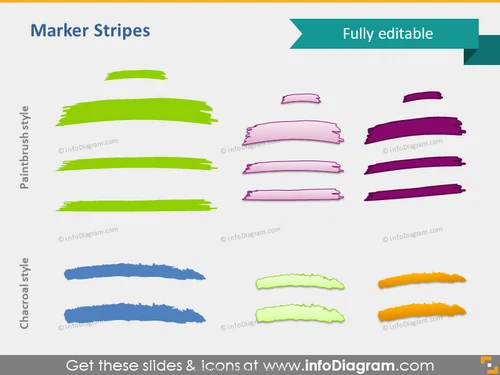
- Marker stripes: paintbrush and charcoal style
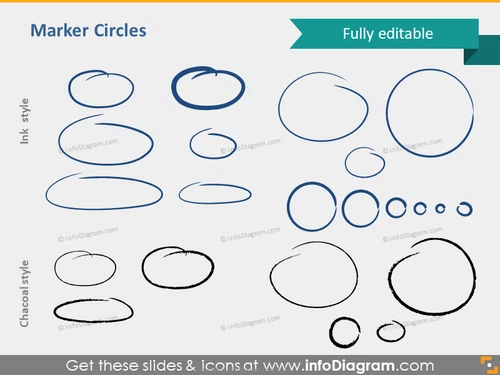
- Marker circles: ink and charcoal style
- Marker frame marks: paintbrush, ink and charcoal style
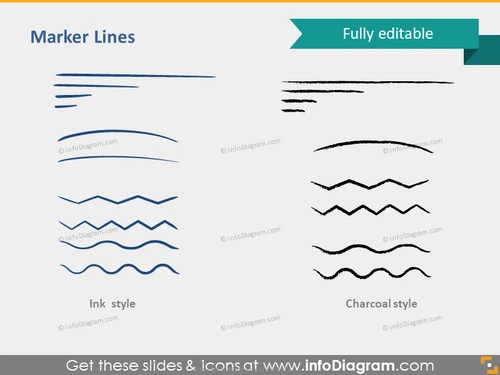
- Market lines: ink and charcoal style
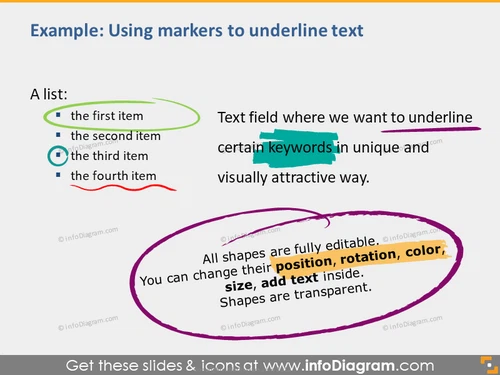
- Usage examples of various ways of marking text
- Multicolor marker stripes
- Marker shapes: arrow, circle, square
- Paint brush stripes
- changing fill color (plain fill, gradient fill, setting transparency)
- adding shadows
- changing contour color
- changing shape and size
- putting shapes behind text
Authors
- Design: Izabela Zvirinska, Contact via infoDiagram.com
Slides included in this PowerPoint Presentation:
How To Edit
How to edit text & colors

How to expand / shorten diagram

How to Replace Icons in infoDiagram PPT
